Stop creating technical debt
A design system is one part of the solution to solving most debt issues you’ll find on your product and team.
Don’t leave key patterns on the table to be defined each iteration.
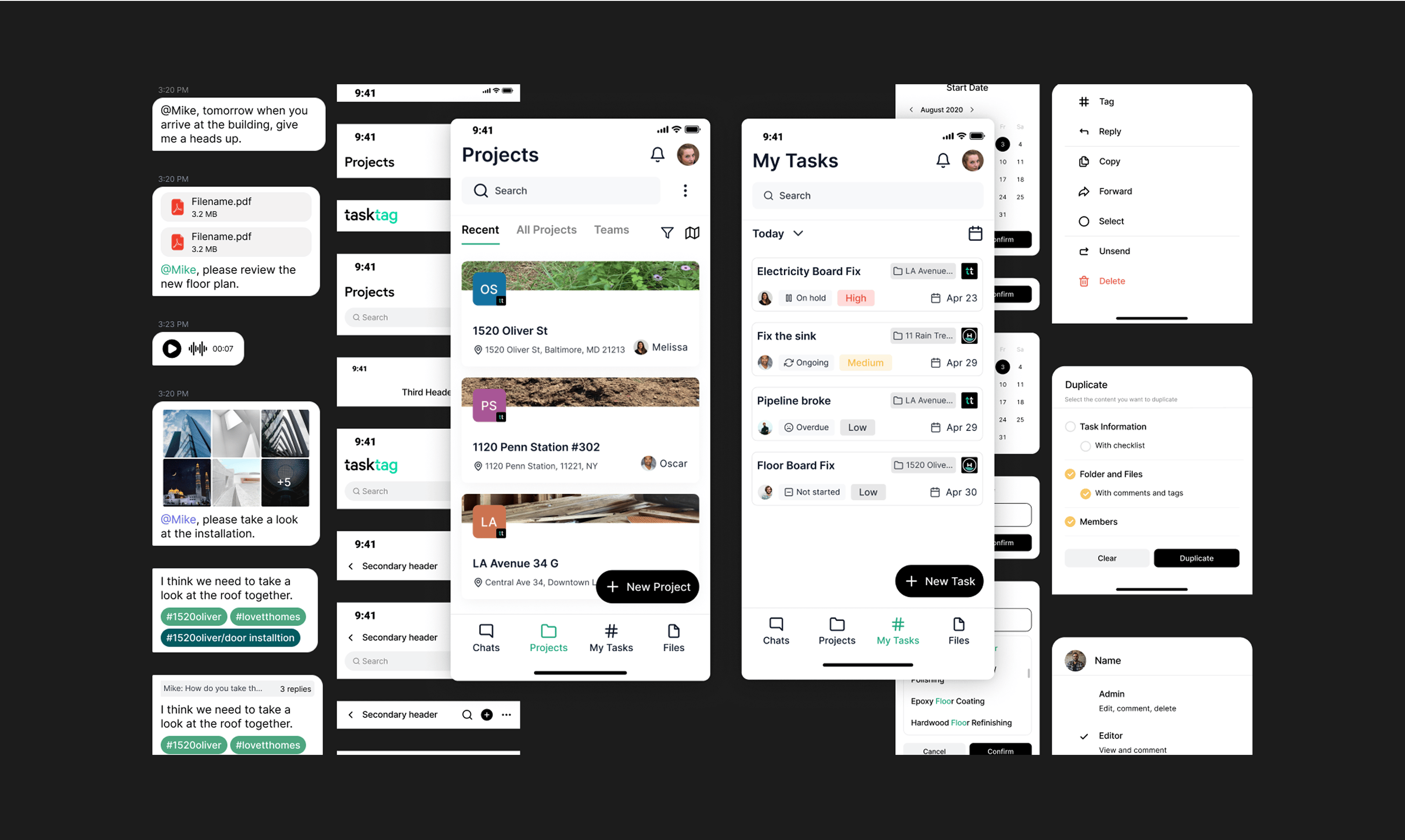
Keep consistent design tokens in your product and remove constant guessing and rework.
Reduce communication breakdowns with a governance model and system guides.
Inconsistent components and patterns creating additional work and maintenance.
Ready for the agents already in your codebase
AI agents are already building UI from your design system. When the system lives in a designer's head or a buried review comment, an agent can't read it, so it guesses, and it ships that guess across your product at machine speed. An AI-ready design system is one an agent can read and follow: structured tokens, documented component APIs, design-to-code parity, and usage rules that fail a build instead of waiting for review.
We build that readiness in from the start, so your system scales without the drift. The same structured foundation that guides your designers is what lets an agent produce shippable UI with light review. It also does the unglamorous work faster. We used ours to re-skin a full design system for a new client brand in two to four hours instead of half a day, contrast checks included.
Want your agents working from your real tokens and components? We also build a custom design system MCP on top of your system.
New to this? Read design systems for AI agents, then our breakdown of the five levels of an AI-ready design system.
How do we go about building a design system?
Our design system process scales according to your product size and needs. We recommend starting with a pilot project.
Deep Dive
We'll help you to gain a deep understanding of your product, team, and existing design assets to lay the foundation for an effective design system.
Onboarding session
Brand review
Full product and system walkthrough
Naming convention planning
Tooling audit and review
Governance modeling
Team interviews
Design System Iterations
Iteratively refine and expand your design system, creating a comprehensive set of reusable design elements and documentation to empower your team.
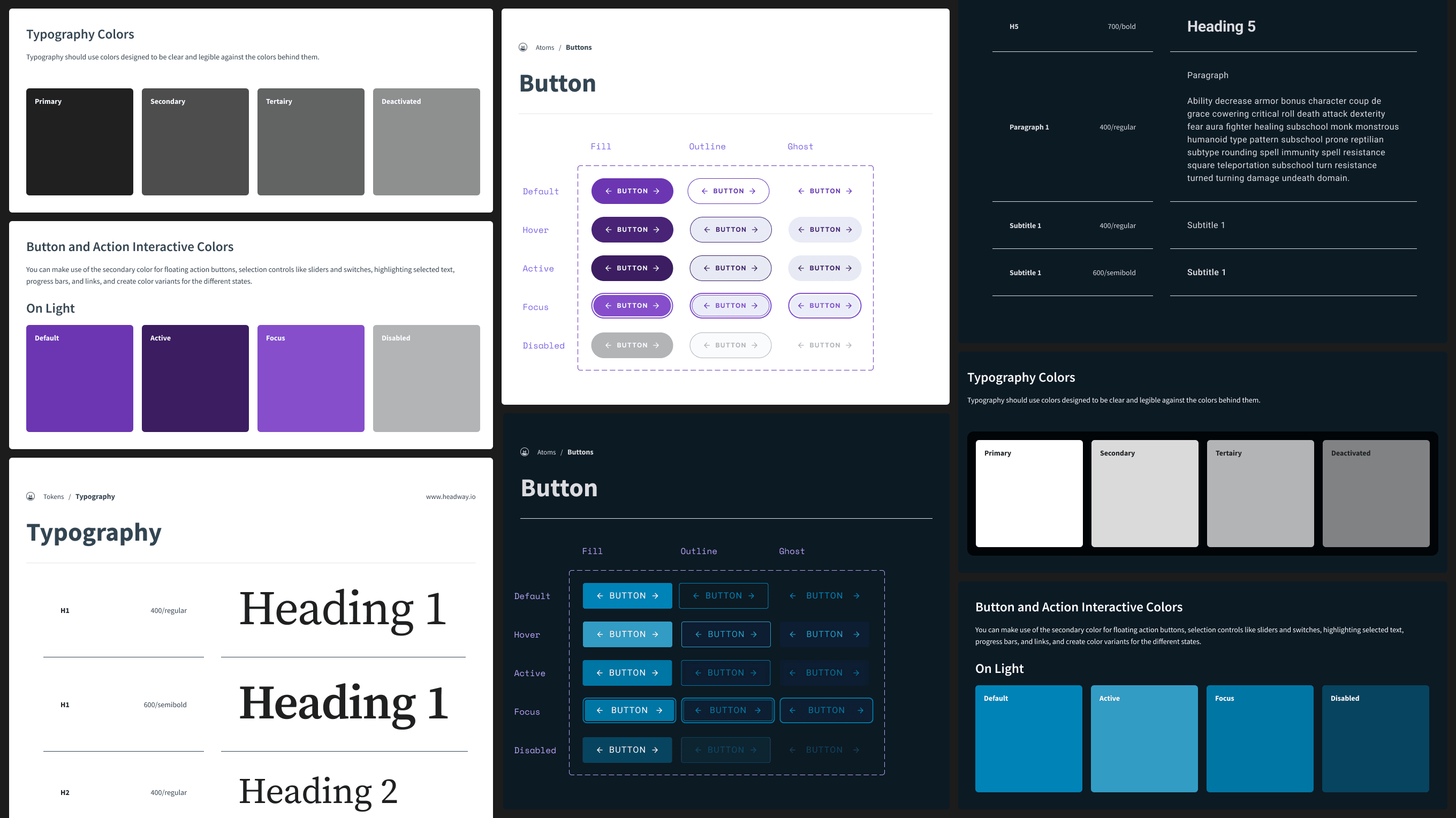
Design token definition
Reference site documentation
Figma system schema
Coded component library
Atomic design UI kit creation
Action Plan
Implement the design system through a pilot project, establish team workflows, and develop a clear roadmap for future adoption and growth.
Pilot project rollout
Team cadence and governance model review
Action plan for next adoption


Why people love working with Headway

"Headway, did such a great job at helping us build a core design system that we can now use in future parts of our application.
I was excited to work with folks I trust. And Headway delivered just as I knew they would. Feedback from customers with the new additions has been fantastic."

Adam Larson
Co-Founder & CTO

It didn't feel like working with an outside agency. Leading design teams for 20 years, having that kind of feeling versus a client-company relationship, was a breath of fresh air."

Todd Kamps
Head of Design
It's time to get your team a powerful design system
Our crew can work with you in three ways to get you set up with a design system.
Design System Training
Figma UI Kit
Full Design System Team
Talk through your design system
Pick a time below. We'll spend 30 minutes on where your system stands today, what's slowing your team down, and what we'd tackle first. You'll leave with a real next step, even if you don't choose to work with us.
FAQs
How we work
We shape it around where you are. We can train your team to build and maintain the system in Figma, build the UI kit your designers work from, or embed a full crew to establish the system and ship coded components in your front end. Most engagements start with a kickoff, a review of your current work, and an action plan.
Either. Our Design System Training track works alongside your team, with daily check-ins, walkthroughs of the key processes and tools, and access to our design systems starter course. If you'd rather we build it, the Figma UI Kit and Full Design System Team options carry the load.
An AI-ready design system is structured so your tokens, components, and standards hold up when AI coding tools build against them. You get consistent UI that scales without the drift that creeps in when every tool guesses at your system.
Both. We build the UI kit in Figma with a clear schema and atomic structure, and our full crew can add coded components in your front-end technology plus a reference site on top of the kit.
The design system is the source of truth your team designs and builds from. A design system MCP makes that same system available to AI coding tools like Claude Code and Cursor, so they use your real components instead of guessing. Many teams build the system first, then add the MCP.
We work with product teams at growth-stage B2B SaaS companies, mid-market teams, and enterprise innovation groups.
Still have questions?
We understand that every person and problem is unique. Let us know what else is on your mind.


Relevant resources