Once a design system starts feeding AI agents, two tools come up fast: a DESIGN.md file and a design system MCP server. Teams usually ask which one they need.
Most organizations need both. Which one does the work depends on whether the person building can use your coded components. The best setup has one feeding the other.
The short answer
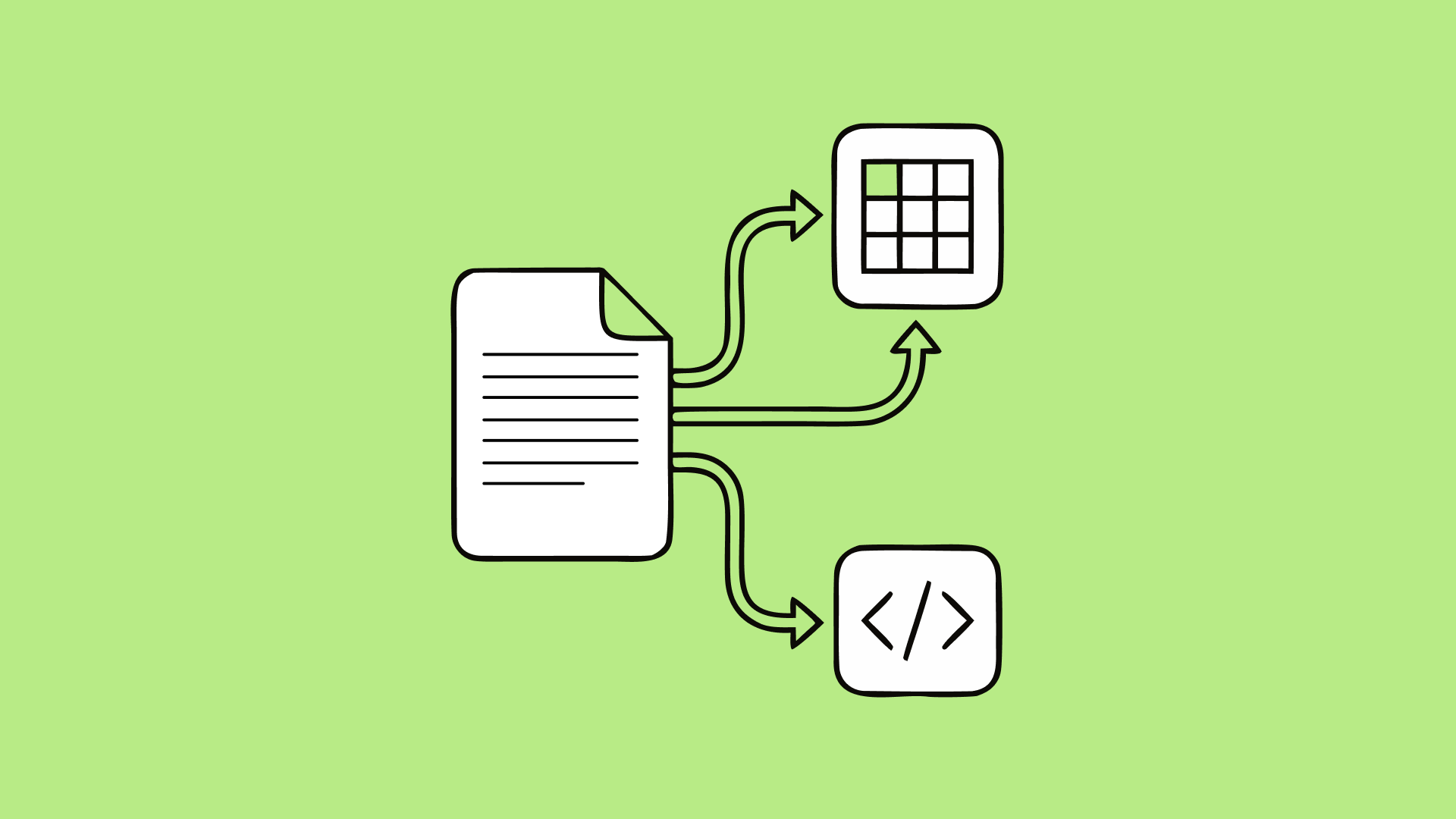
A DESIGN.md file is for anyone who can't use your coded components. That might be a team on a different framework, someone building in a generative UI tool, or an agent making a slide deck. It gives any agent your tokens, your visual rules, and the reasoning behind them in one portable file.
A design system MCP is for agents working in the same stack as your component library. It hands them the real details of that library, like which components exist, what props they take, and what changed in the latest release.
In practice, DESIGN.md tends to reach more designers and the MCP more developers, but that's far from a clean split. The two overlap, and neither covers the other's job well. Our recommendation is to make DESIGN.md the source of truth and have the MCP read from it.
What DESIGN.md is
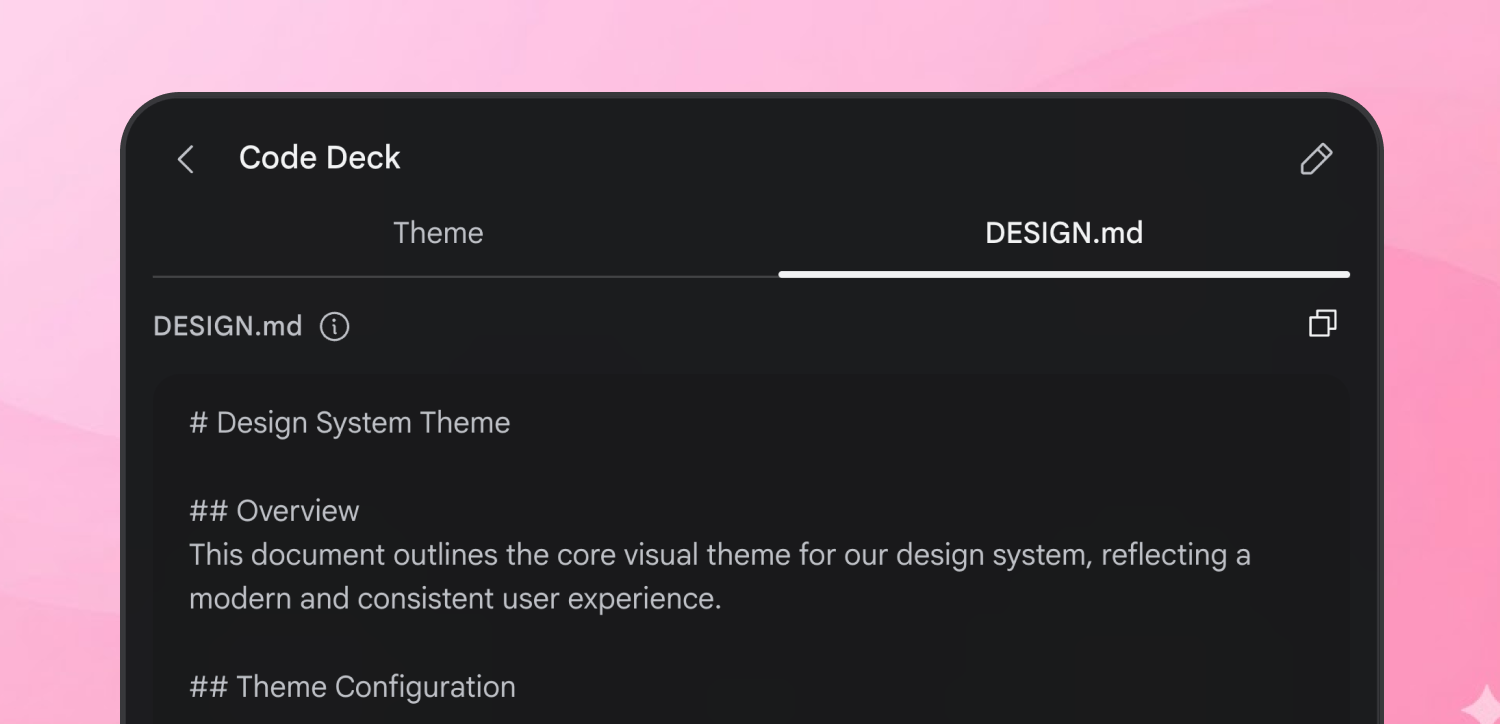
DESIGN.md is an open format from Google Labs for describing a visual identity to coding agents. It's a single Markdown file with two layers. YAML front matter at the top holds machine-readable tokens: colors, typography, spacing, and corner radius. Markdown prose below explains when and why to use them.
A few things drew us to it:
- It's simple
- It's a plain file. There's no authentication layer and no service to stand up.
- It's portable
- Nothing about it is tied to one model provider. It works the same with Claude, ChatGPT, or Gemini, which matters when a client hasn't settled on a platform yet.
- It pulls scattered context into one place
- Design system knowledge usually lives across Figma files, Confluence pages, and people's heads. DESIGN.md gives agents one file to check, again and again, as they work.
- It comes with tooling
- Google's CLI lints the file against the spec, compares versions, and exports tokens to other formats.
What a design system MCP is
MCP (Model Context Protocol) is a standard way to connect an agent to tools and data. A design system MCP server gives a coding agent on-demand access to your design system while it works in your codebase.
The biggest advantage is precision on the code side. DESIGN.md can't tell an agent that your React Button takes variant, size, and isLoading props, or that isLoading was added last release. An MCP can serve both the component API and its changelog. When an agent has that, it reuses what exists instead of guessing, which saves cycles and gives you more accurate output.
Where each one falls short
The MCP only works inside your stack
Before DESIGN.md, we built MCPs by extracting variables from Figma with custom tooling, packaging that knowledge into the server, and configuring the agent to use it. It worked well for anyone building with the same components. Anyone outside that stack got very little from it, because an agent can't import a React component into a Vue app or a slide deck.
DESIGN.md can't describe your coded components
It carries tokens and visual rules well, but it won't tell an agent a component's API or what changed in its changelog. The spec does have a components section. In practice, that section describes how a component should look, which makes it closer to instructions for rebuilding the component than to a map of your UI kit. That's fine when there's nothing to import. For anyone working in your library's stack, an agent that rebuilds a button instead of importing the existing one is a problem.
How they fit together
Using DESIGN.md as the source the MCP reads from changed a few things for us.
- Less custom tooling
- We no longer write as much code to pull knowledge out of Figma. The MCP reads a file written to a published spec, so the tooling around it is predictable and easier to maintain.
- One source of truth
- Tokens and design rules live in one place. When they change, the MCP picks up the change instead of drifting from what designers see.
- Everyone gets served from the same decisions
- People outside your stack get a file any agent can read. People inside it get an MCP with component-level detail. Both are grounded in the same tokens and rules.
Who needs which
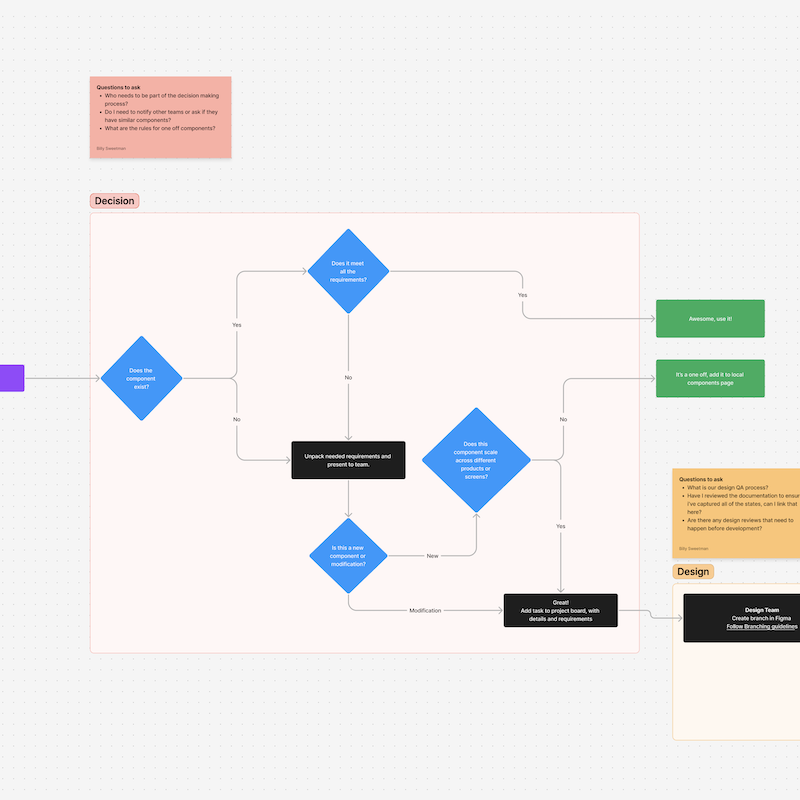
The deciding question is whether someone can use your coded components. In larger organizations, plenty of people can't, and many of them aren't on the Design or Development teams.
Some people build UI in a framework your component library doesn't support. Some teams have no dedicated designers or developers and build with generative UI tools. Others use agents for slide decks, newsletters, and internal tools. None of them can use your React components or your MCP, but all of them can use a DESIGN.md file. Their output won't match the design system perfectly, but it will look and feel consistent with it.
That makes DESIGN.md a good starting point for less technical builders. As they get more comfortable, and if they're building in the same stack as your component library, the MCP is a natural next step. The MCP asks more of them, since they need to understand the tools it exposes. It's worth helping them get there when they're ready.
Anyone building in the same stack as your component library benefits from both, designers included. The MCP gives them component accuracy, and DESIGN.md gives them the design reasoning behind it.
Don't make either one do everything
Putting all your design system context in one place is tempting. It's also how you miss other tools that work better for specific jobs.
An MCP can offer prompts, resources, and tools, not just data. Agents also support hooks and skill files. And an AGENTS.md file in your project can route the agent: use DESIGN.md for this, use the MCP for that, and skip both when another resource answers the question better.
The same goes for DESIGN.md. Every section you add is more context the agent has to process. Give it what it needs for the task and nothing more. If the file keeps growing, split some guidance into a skill file and point the agent to it with AGENTS.md. Google's CLI can export parts of the file to other formats to help with this.
Keep the source of truth trustworthy
Once the MCP depends on DESIGN.md, the file needs to stay accurate.
- Start with tokens
- Define colors, spacing, type, and key dimensions first. Add usage guidelines and do's and don'ts once the tokens prove useful.
- Lint it in CI
- Run Google's linter in your pipeline so the file doesn't drift from the spec over time. If your organization has to diverge from the spec, the linter tells you exactly where.
- Add sections only when you need them
- We haven't used the components section on mature design systems, because the Figma library and the coded UI kit already cover that ground. A newer system might need it sooner.
- Expect to extend it
- At the time of writing, the spec doesn't support multiple themes or light and dark modes, so we've added our own extensions. The spec is still in alpha, so check it regularly for changes.
Hold the tools loosely
This space moves fast. DESIGN.md is our recommendation today, and a better way to give agents design context may come along.
A future model may simply get better at collecting context on its own.
The design system itself isn't going anywhere, though. It's what keeps a product consistent, maintainable, and predictable as it grows. If you ever replace DESIGN.md, it should be because you found a better way to give agents your design system, not because you stopped needing one.
Go deeper on design system MCPs
We unpacked everything we know about Design System MCPs on a recent live stream.
Tim and Billy also work through how this plays out on real client systems in our Intent & Craft episode on DESIGN.md, including which parts of the spec we skipped and why.
Want one set up on your own system? Here's how our design system MCP build works.
If you're working out how to make your own system ready for AI agents, see how we help teams build and scale design systems.