Someone in marketing asks you for your brand colors. Not access to the Figma library, just the hex codes somewhere they can reach them. They're building a slide deck and they want it to look like it came from the same company as everything else.
If you've gotten that message, you have design system users who can't use your design system.
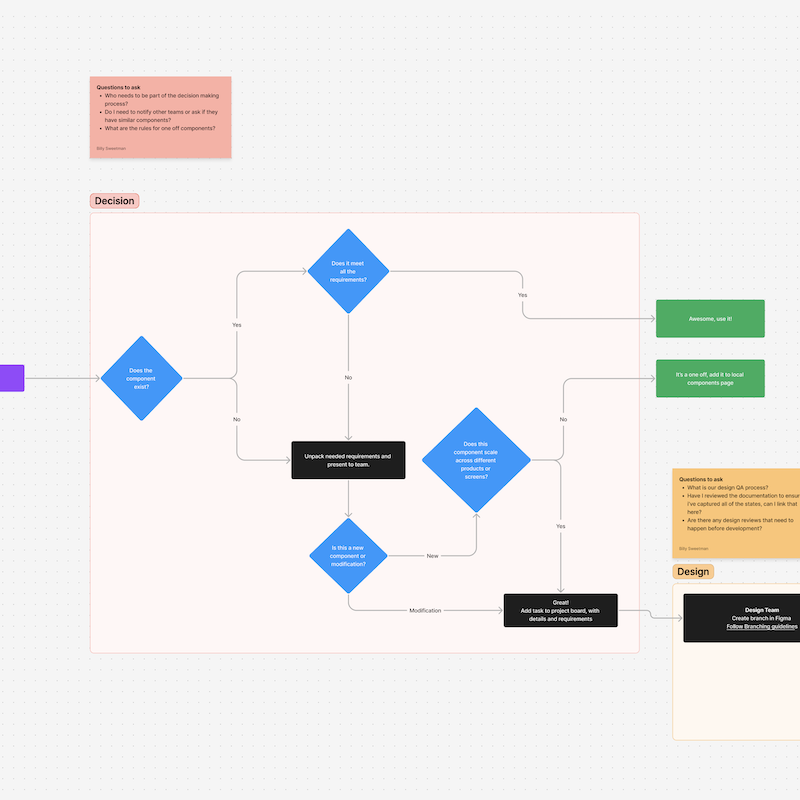
We watched it play out in a shared channel. Someone posted a markdown file they had built from our brand standards, with a note that they'd put it together for a deck. A rough copy of a system we maintain in far more detail, made because they couldn't reach the real one.
They were building that deck either way. The only question was whether our design system made it in.
Your design system has a second audience now
For most of the life of a design system, its users are designers and developers. Everything you ship is shaped for them: a component library, a package, documentation written for people who read documentation.
AI enablement changed who's building.
People who were never technical now have coding agents, and they're using them. A sales team stands up its own dashboard. An ops group builds an internal tool with nobody on staff who writes production code. A product manager prototypes a flow instead of describing it. Someone in marketing builds a landing page in a generative UI tool.
Tim pointed out on our podcast that this arrives in a predictable order. An organization adopts the design system for web and mobile product development. Shortly after comes slide deck creation. Then newsletters. Someone uses an agent to build one, looks at what comes back, and asks how to make it match everything else the company ships.
Four groups show up again and again.
None of them can use what you built. Your React components don't go into a slide deck. Your Figma library doesn't help someone who has never opened Figma. They're all producing things with your company's name on them anyway.
What they ship when you hand them nothing
A data analyst asks an agent for some UI elements for their dashboard. The agent produces something. Raw hex codes instead of your color tokens. A padding value in pixels instead of your spacing scale. A border radius pulled from nowhere.
On screen it looks right. It looks close enough. That person doesn't have the eye to catch the difference, and they have no reason to go read the code and ask why nothing references a token. So they ship it and move on.
Every decision your design system encodes just got thrown out on that screen. Not deliberately. The agent made its best guess because nothing told it any better, and the person reviewing it couldn't see the gap.
A developer who misuses a component gets caught in code review. Nobody reviews the sales dashboard. The drift compounds quietly, and the first time anyone notices is when a customer sees two things from the same company that don't look related.
The work of making a design system legible to agents usually stops at the product team. This is the half that gets left out.
The version for everyone else is one file
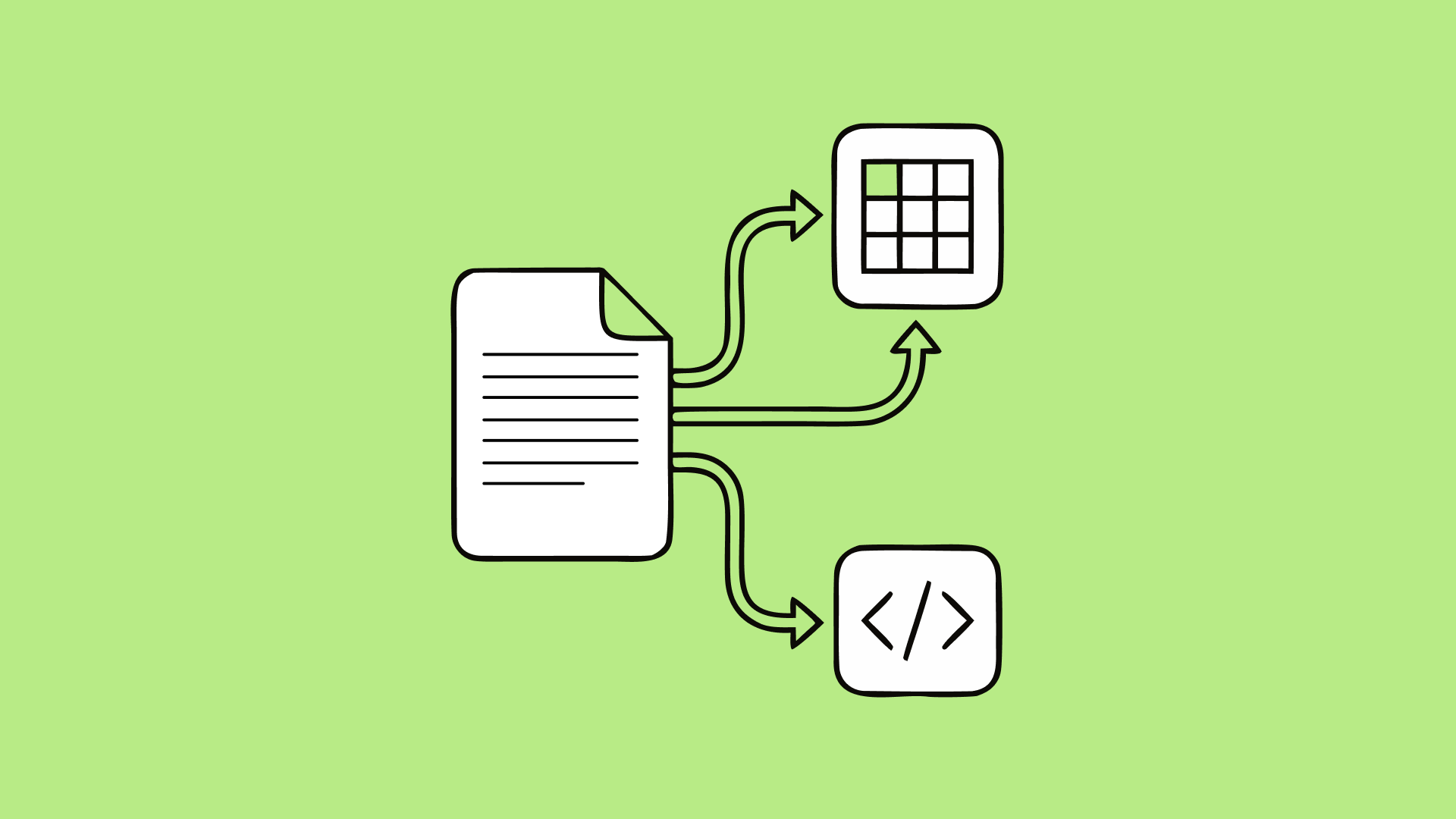
Give them a DESIGN.md.
It's a single markdown file holding your tokens and your visual rules in a format any agent can read. No repository access, no install, no requirements about what they're building in. The person making a deck opens the same file as the person building an internal tool in a framework your library has never supported.
Low tech is the entire point. If the answer requires a package install, the person making a slide deck will not reach the end of the setup instructions. We use it exactly this way.
Two situations that come up constantly:
Designers without repository access
A DESIGN.md carries the definitions they need to rebuild components inside a tool like Figma Make or Claude Design when the real components can't be pulled into it. The components in that kit aren't your components, but they're informed by every decision your system encodes.
Teams with no development resources
They've just gotten access to a coding agent and they're getting a little tech savvy. The file is the first thing we hand them, enough to put brand colors, brand standards, and some component definitions into whatever they're making.
The output won't match your design system perfectly. It will look and feel like it came from the same company, which is the whole ask for a newsletter, a deck, or an internal dashboard three people will ever see.
Tim and I spent an episode on this file: what we put in ours, which parts of the spec we skipped, and how it holds up against an MCP once a team is building in your stack.
What to put in it
Tokens alone take someone from guessing to correct on the things that break recognition fastest. After that, add the rules a person would pick up working next to your design team for a month.
Every section you add is more for the agent to process. A file that tries to serve everyone serves the person making a deck worse, and they're the one you're trying to reach.
Finding the people who need it
Nobody files a ticket asking to be served. These teams don't think of themselves as design system users.
Keep the conversation in public channels
Everything I described above came out of a message posted in the open, where both designers and developers could see it. A private message to one person would have solved one slide deck and taught us nothing.
Watch for homemade versions of your system
A brand standards doc someone wrote themselves, a palette pasted into a prompt, a screenshot of your Figma file dropped into a deck. Each one marks a person who needed the system and built a worse copy to get moving.
Ask who else
When you find one, ask who else is doing this. The file in our channel was one person. The conversation that followed turned up a whole group we had never thought of as customers.
Put them in your reporting
Once you're serving these teams, count them.
They won't show up in adoption reporting on their own. They aren't using the Figma component library. They aren't importing coded components. They skip office hours because they don't have technical questions. By every metric on your dashboard, they don't exist.
We track engagement alongside adoption for this reason. Adoption measures the artifact. Engagement measures the relationship, and the relationship is where this group lives: the questions they ask, the files they contribute, the threads they start. Count the support request from the marketing lead. Count the ops person who asked for a component definition.
Then take it to leadership. A design system reaching work nobody scoped it for is a different and stronger case than the one you usually get to make. You aren't arguing that thirteen of twenty repos import your packages. You're showing that the investment is holding brand consistency across work that was never going to get a designer. Translating that into business value is easier with this story than without it.
Some of them will want the real thing
Not everyone stays where they start.
Some people in this group are eager. They weren't developers and they weren't product designers, they sit somewhere between, and they want to learn the more technical version of what they're doing. When they're building in the same stack as your component library, there's a next step: a design system MCP that hands their agent your real component APIs instead of a description of what a component should look like.
That step asks more of them. They need to understand the tools it exposes and how to configure their agent for it. Help the ones who want it, and leave the rest with the file.
Matching people to the right level of tooling is the job. A DESIGN.md for the person making a deck once a quarter. The full system for the team shipping your flagship product. Both are real users of your design system.
Start with the file someone already made
Go look in your public channels for someone who built their own version of your brand standards. Not because that file is any good, but because it tells you something your adoption dashboard can't.
They needed the system. They couldn't get to it. They built a worse copy and went back to work.
The fix costs you one markdown file and the half hour it takes to tell people it exists.
If you want help getting your system into a shape that serves everyone building with it, that's the work we do.